AI Image Upscaler: Make Photos Bigger and Sharper

Drop in a JPG, PNG or WebP and Magi2 AI enlarges it 2×, 4× or 8×, redrawing soft edges, faces and texture along the way. Pick one of three models, slide between the original and the result, and download. Your first upscale runs on free credits without an account.

Upscaled
Original
OriginalUpscaledSample

Upscale an Image Without the Blur of a Plain Resize

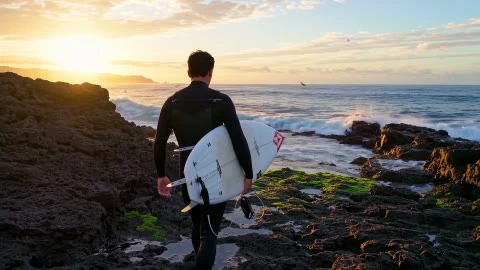
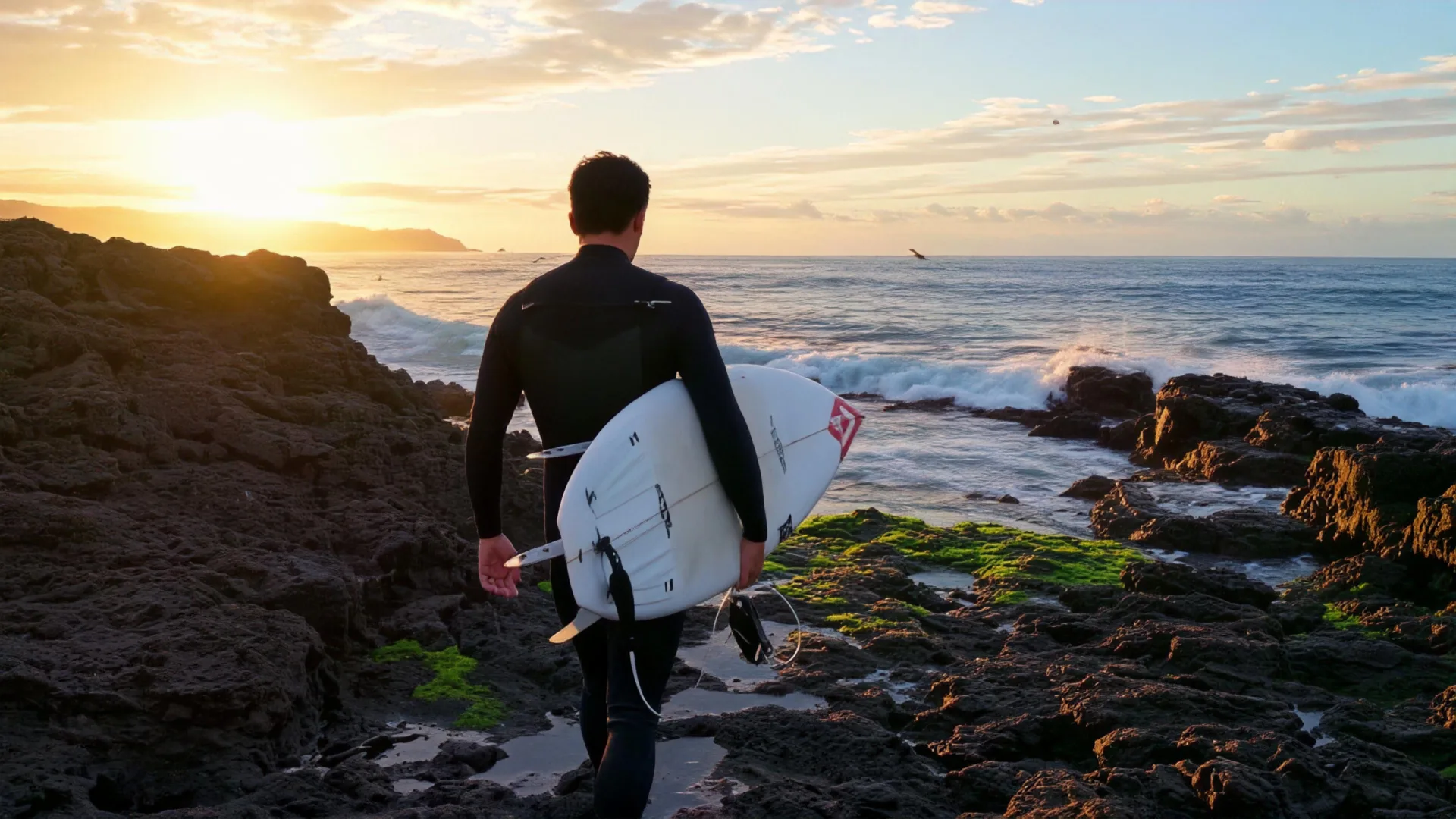
Resizing in an editor only spreads the pixels you already have, so a thumbnail turns into a smudge. Magi2 AI’s upscaler adds new pixels with a model that knows what hair, rock, fabric and lettering should look like, which is why the 480 × 270 surfer below holds together at four times the width.

A 480 × 270 surfer on a rocky shore next to its 4× upscale: OriginalA 480 × 270 surfer on a rocky shore next to its 4× upscale: UpscaledOriginalUpscaled

Up to 8× per run

Choose 2×, 4× or 8× and get a file of up to 10,240 px on its long edge in a single pass, with no need to feed the result back in.

Three models, one price each

Standard is 1 credit, Professional 2 and the Large model 4. The factor never changes the price.

See it before you save it

A divider sits over the result so you can check eyes, edges and small print against the original, then download the full-size file.

01

Bring Small Portraits Back into Focus

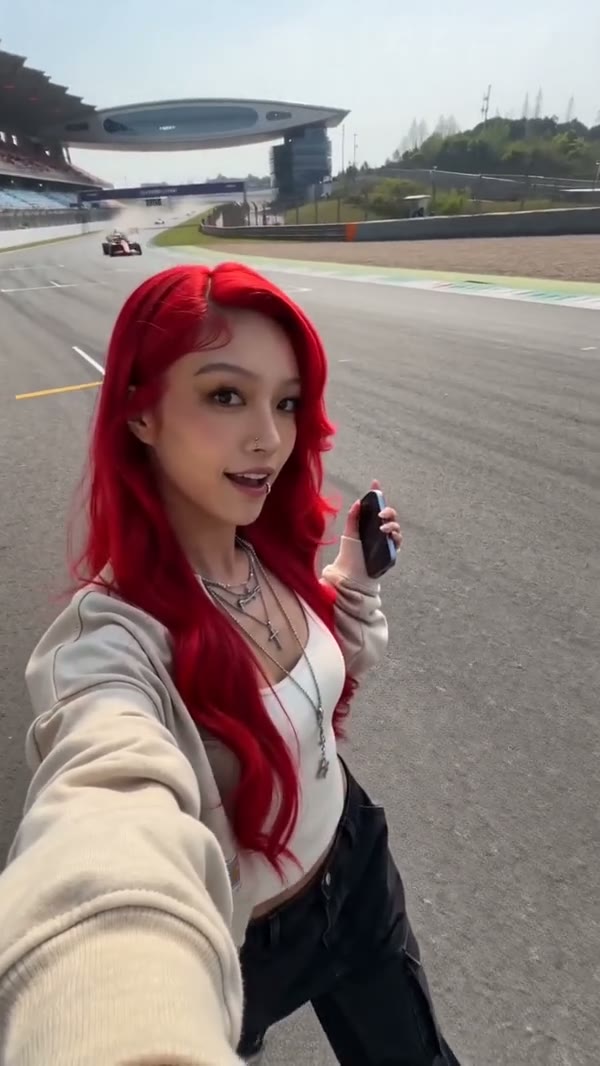
A headshot pulled from a group photo or an old profile picture rarely has enough pixels for a face to read. At 4× the model rebuilds lashes, lips and curls while leaving skin smooth rather than waxy, so the picture works as an avatar, a slide or a framed print.
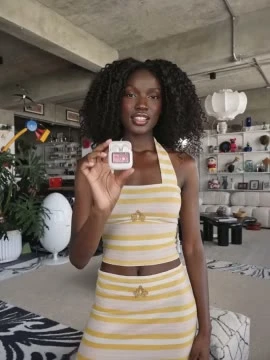
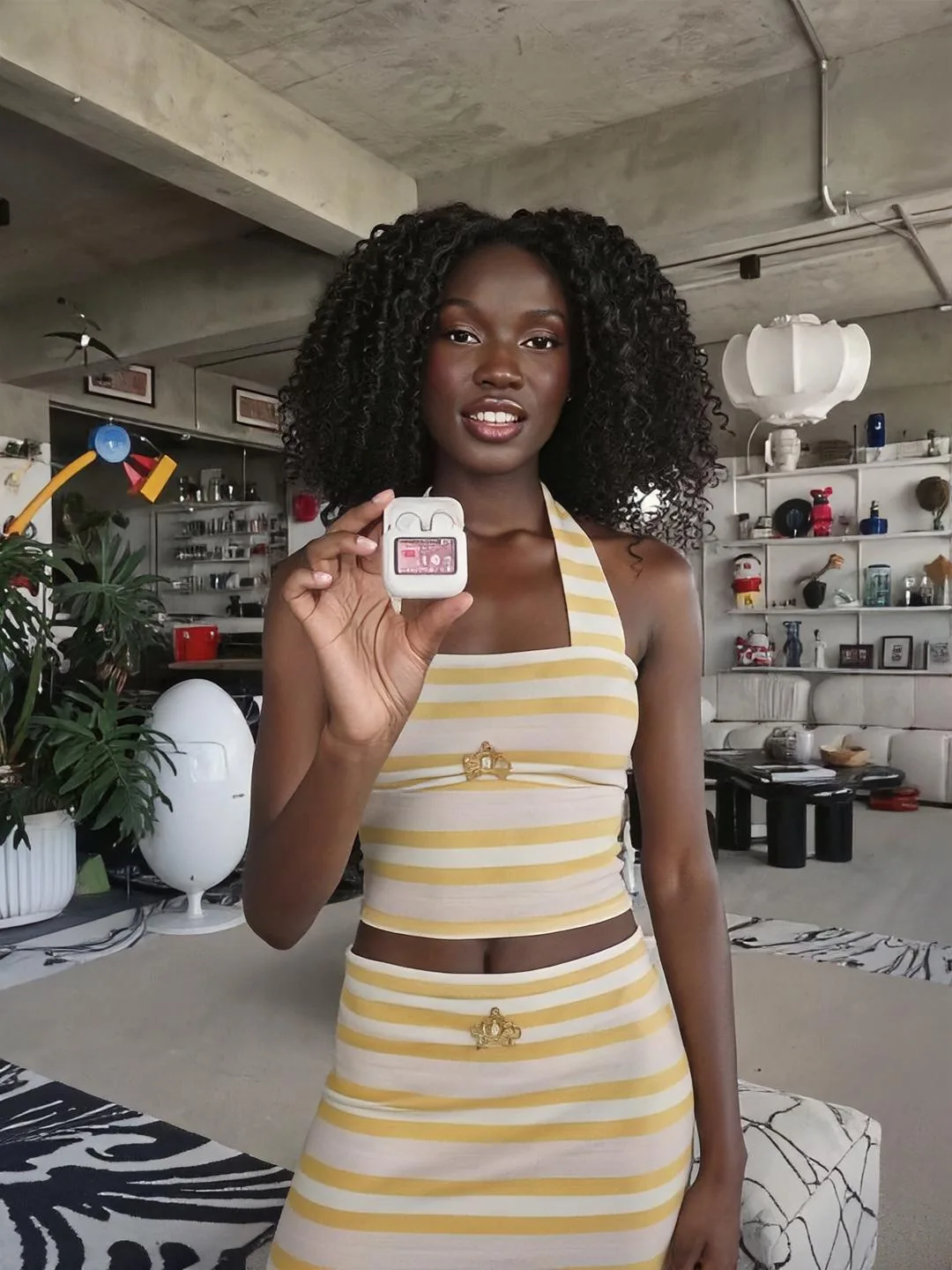
A 270 × 360 portrait of a woman holding a small device, upscaled 4×: OriginalA 270 × 360 portrait of a woman holding a small device, upscaled 4×: UpscaledOriginalUpscaled

02

Product Shots That Survive Zoom-on-Hover

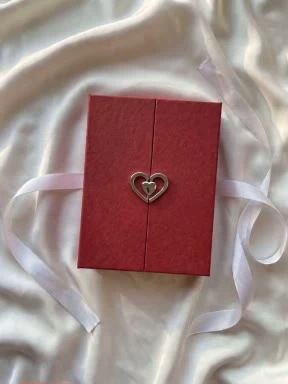
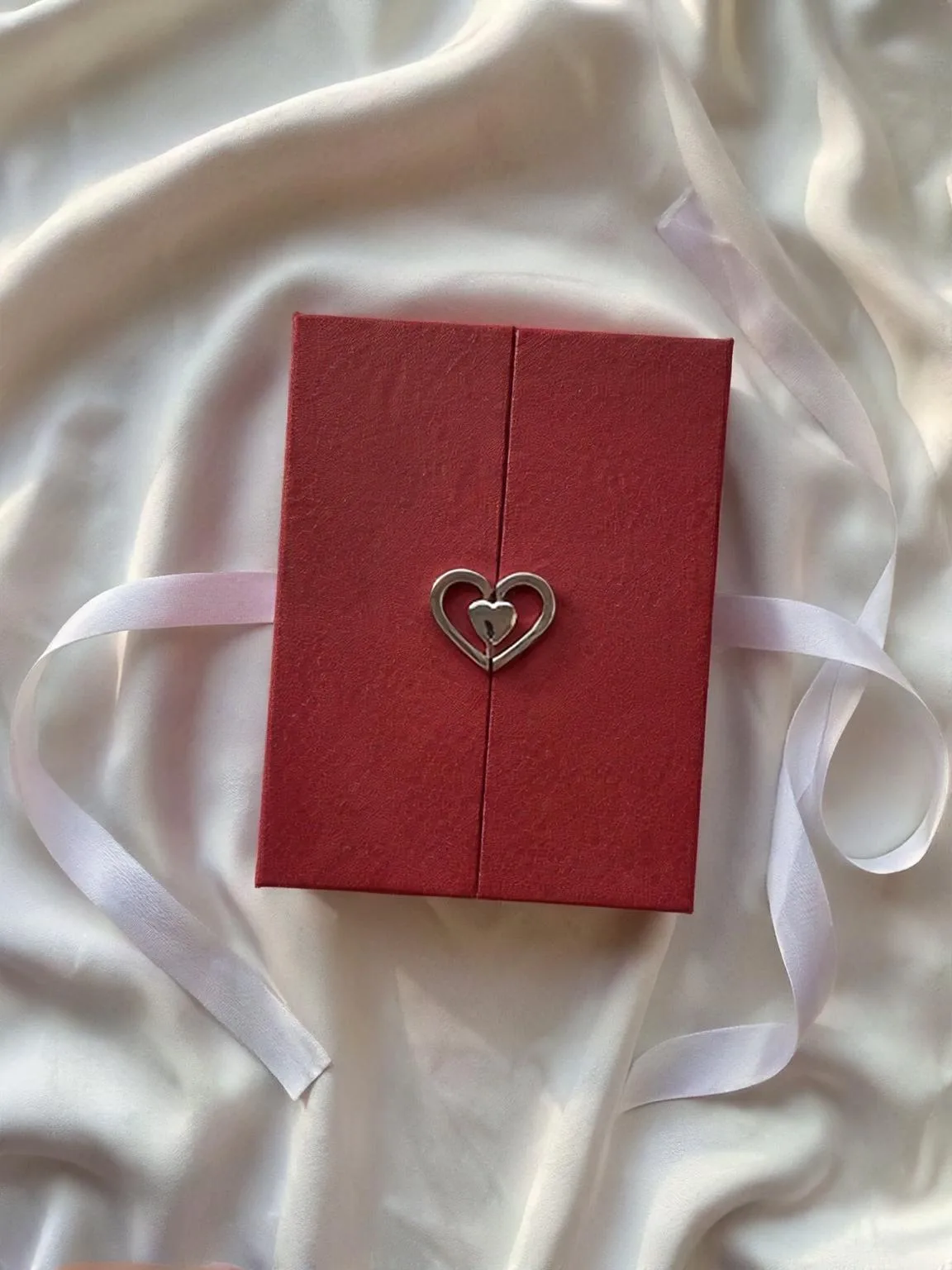
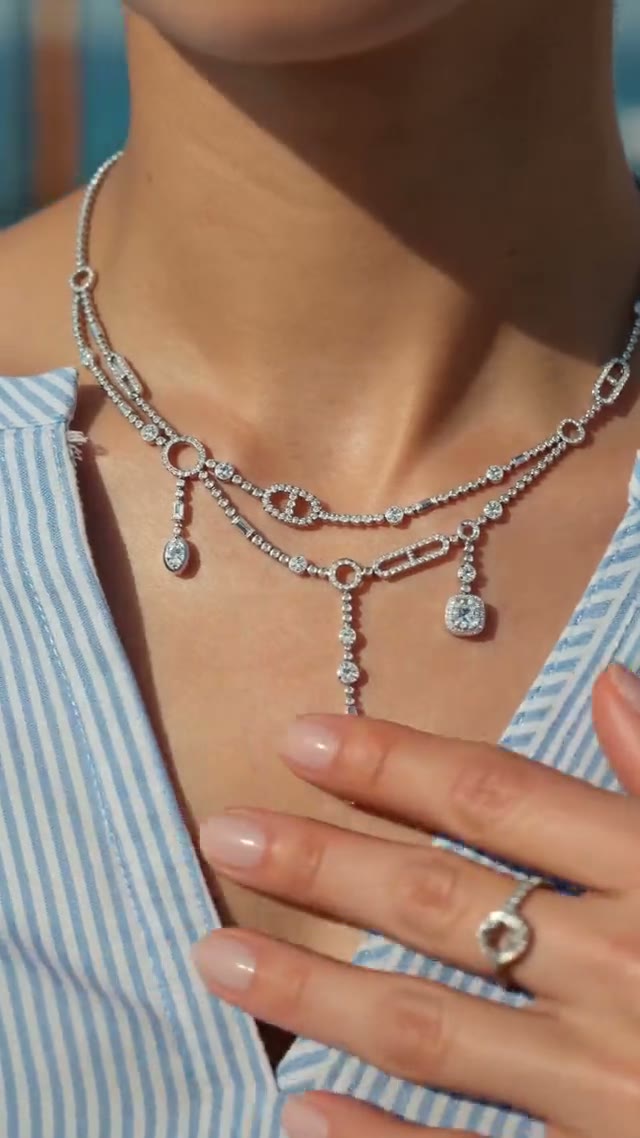
Store pages let shoppers zoom straight into a photo, and a small supplier image falls apart the moment they do. Upscale it first and ribbons, embossing and stitching keep their shape on listings, ads and high-density phone screens.

A red jewelry box with a heart clasp on white silk, before and after a 4× upscale: OriginalA red jewelry box with a heart clasp on white silk, before and after a 4× upscale: UpscaledOriginalUpscaled

03

Pet and Family Photos with Real Texture

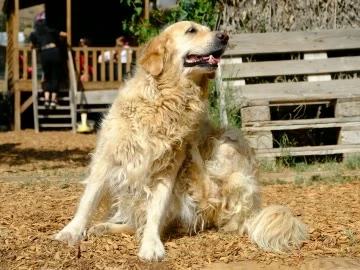
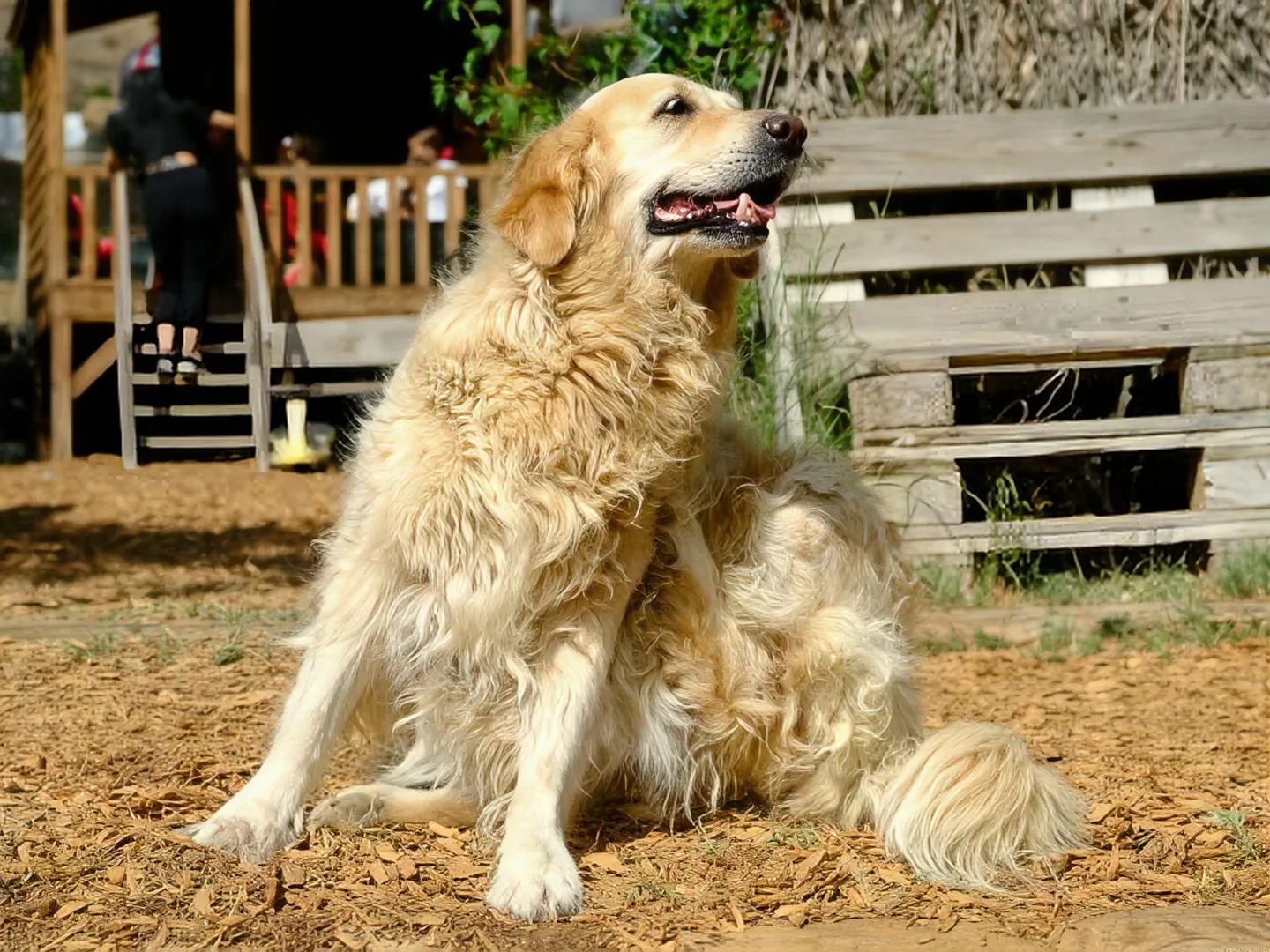
Fur, grass and wood grain are where cheap enlargement shows first: they melt into flat patches. The upscaler draws individual strands and fibres back in, so a phone snapshot of the dog in the yard is good enough to print and hang.

A 360 × 270 photo of a golden retriever in a yard enlarged 4×: OriginalA 360 × 270 photo of a golden retriever in a yard enlarged 4×: UpscaledOriginalUpscaled

04

Print-Ready AI Art and Illustration

Most generators export around 1K, which is fine on a feed and too small for a poster. Run the file through at 4× or 8× and painted washes keep their softness while outlines stay crisp, ready for canvas, stickers or a desktop wallpaper.

A watercolor of a snail on a leaf and a paper boat, at 480 × 270 and after a 4× upscale: OriginalA watercolor of a snail on a leaf and a paper boat, at 480 × 270 and after a 4× upscale: UpscaledOriginalUpscaled

Where People Use the Image Upscaler

Any time the file you have is smaller than the place it has to go.

Posters and wall prints

Posters and wall prints

Get enough pixels for A3 and larger before the file goes to a print shop.

Marketplace listings

Marketplace listings

Turn small supplier pictures into large, zoomable listing photos.

Covers and thumbnails

Covers and thumbnails

Clean up screenshots and video frames for channel art and carousel slides.

Scans and old snapshots

Scans and old snapshots

Give early digital photos and small scans a second life on modern screens.

Upscale a Photo in Three Steps

All of it happens in the workspace at the top of the page. With an account, every result is also kept in My Assets.

  1. 1

    Add a picture

    Click the drop zone, drag a file in or paste from the clipboard. JPG, PNG or WebP, 4 MB at most.

  2. 2

    Choose model and factor

    Select Standard, Professional or Large model, then 2×, 4× or 8×. A factor that would exceed the model’s limit is disabled, and the output size is shown.

  3. 3

    Compare and download

    Run it, drag the divider across the picture to inspect the detail, and save the full-resolution file.

Image Upscaler Questions

Prices, limits and what to expect from the result, answered in one place.

Updated:

A resize stretches the existing pixels, so the picture gets bigger and softer at the same time. An AI upscaler predicts the pixels that are missing, using a model trained on a very large set of photos and artwork, and redraws edges and texture as it enlarges.

Yes. Without an account you get free credits, enough for one upscale on any of the three models; signing up keeps whatever is left. Standard costs 1 credit, Professional 2 and the Large model 4. A failed run returns its credits. More credits are on the pricing page.

Divide 3,840 by the width of your image and pick the nearest factor: 8× for a 480 px wide file, 4× for one around 960 px. The size the result will have is shown under the options before you run it.

Standard is quick, cheap and stays closest to the source. Professional rebuilds more detail and suits most photos. The Large model invents the most new texture, which helps very small or very soft files and costs the most.

Softness from low resolution or compression improves a lot, because the model sharpens edges as it enlarges. Strong motion blur or a missed focus can only be improved, since that detail was never in the file.

JPG, PNG and WebP of up to 4 MB. Standard accepts a short edge of 16 to 1,440 px and a long edge up to 2,160 px; Professional needs a short edge of at least 256 px and a long edge up to 2,048 px; the Large model takes long edges up to 6,240 px. Output can reach 10,240 px on the long edge.

Yes. Cut-outs from the background remover and other transparent PNG or WebP files keep their see-through areas at the new size and download as PNG.

Yes. Results from the AI image generator or any other model can go straight in; 4× or 8× is usually enough for prints and large banners.

Yes. The video upscaler takes MP4 and MOV clips of up to 30 seconds to 720P, 1080P, 2K or 4K.

Nobody else. Uploads and results are not shared with other users; with an account they sit in My Assets, where you can download or delete them.

Image upscaler

Give Your Small Images the Pixels They Need

Upload a picture, choose 2×, 4× or 8× and download a larger, cleaner file a few seconds later.

Upscale an Image